
What happens the moment a candidate becomes an employee
The useful question is not "do you integrate?" - every vendor says yes. It is which fields actually cross into your HRIS and payroll, what triggers it, and what you stop retyping.
The moment a candidate becomes an employee
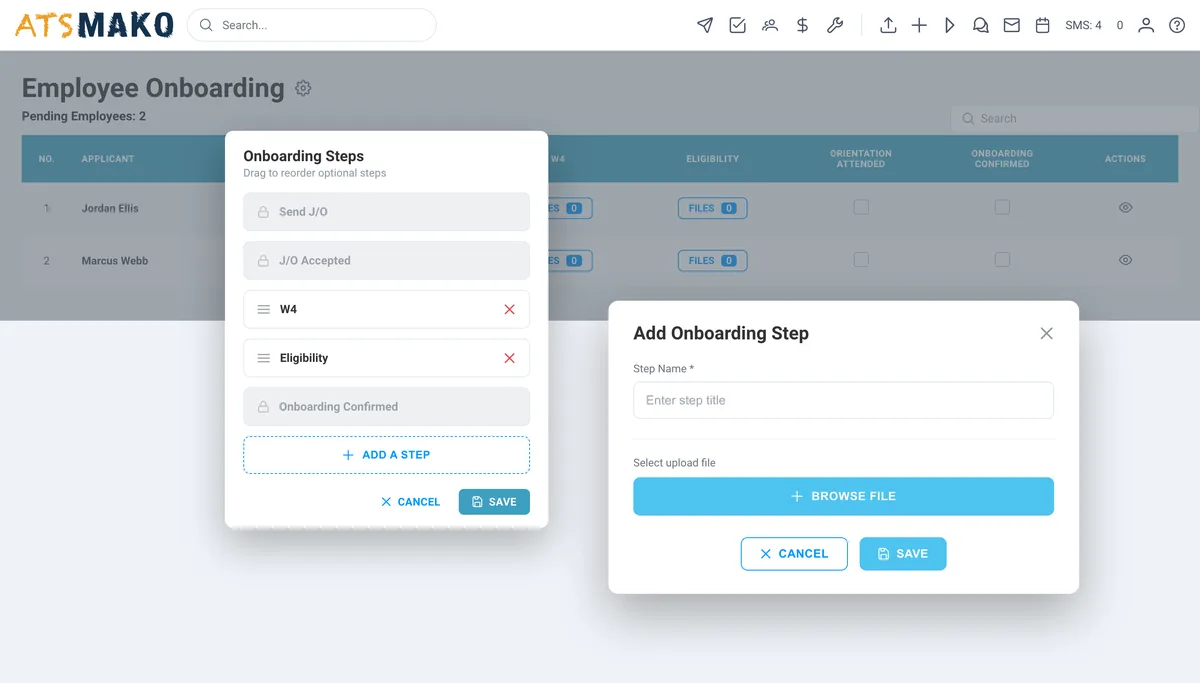
Applicant → hired → employee record
One moment matters more than any other in the ATS-to-HR chain: the transition from candidate to employee. Everything downstream - payroll, benefits, access, equipment, training - waits on it.
When that handoff is automated, the employee record exists the instant the offer is signed. When it is not, it exists whenever someone has time to type it, which is how a new hire ends up without a first paycheque or a laptop.
Fields that should cross the boundary
- Legal name and preferred name
- Contact details and address
- Start date and job title
- Location, department and cost centre
- Pay rate, pay type and schedule
- Manager and reporting line
- Employment type and classification
- Signed offer and onboarding documents
Ask any vendor to confirm this list field by field. Pay rate, cost centre and classification are the ones most often missing from a "supported" integration.
Four ways systems actually connect
"Integrated" covers all four of these, and they differ enormously in effort, cost and reliability. Establish which one you are being sold.
Native integration
A purpose-built connector maintained by one of the two vendors. Configuration is a settings screen, not a project.
Suits: The lowest-effort option when a connector exists for your exact systems and versions.
Watch for: Ask which direction data flows, which fields are covered, and who maintains it when either system changes.
API integration
Your team or an implementation partner builds against a documented API, usually with webhooks pushing events as they happen.
Suits: Any combination of systems, including in-house HR tools, and any field mapping you need.
Watch for: Requires developer time up front and ownership afterwards. Confirm the API covers the objects you need before committing.
Middleware or iPaaS
A third-party integration platform sits between the two systems and handles mapping, retries and transformation.
Suits: Organisations already running an integration platform, or connecting several systems at once.
Watch for: Adds a third vendor, a third bill and a third place for a sync to fail silently.
Scheduled file export
A structured export on a schedule, imported by the receiving system.
Suits: Perfectly adequate for weekly or fortnightly payroll handoffs, and far more common than vendors admit.
Watch for: Not real time, and someone owns the failure when a file does not arrive. Automate the delivery, not just the export.
What manual handoff actually costs
The same data typed twice
Without a handoff, someone rekeys every new hire into payroll from a PDF or a spreadsheet. It is slow, and worse, it is a transcription step - which means it has an error rate.
First-paycheck errors
A mistyped pay rate or start date does not surface until payday, when it becomes a trust problem with a brand-new employee and an urgent correction for your payroll team.
Onboarding delays
If the employee record does not exist until someone has time to create it, every downstream step waits: I-9, benefits enrolment, system access, equipment, training.
Offer-to-start drop-off
The gap between accepting an offer and feeling like an employee is when candidates take other jobs. A silent week is a renege risk, particularly in high-volume hourly hiring.
What ATS Mako connects to
Categories rather than a logo wall - because logo walls go stale and rarely tell you whether your specific system and version is covered. Tell us your stack and we will tell you which pattern applies.
HRIS
Push the hired employee record so onboarding, benefits and access can begin.
Payroll
Deliver pay rate, schedule, classification and start date without rekeying.
Job boards
Distribute requisitions and pull applications back into one pipeline.
Calendar
Two-way availability so interview scheduling reflects real diaries.
Email & SMS delivery
Message delivery and reply routing that threads onto the candidate record.
Background & assessment
Trigger checks from a pipeline stage and record the result on the candidate.
Not on the list? A documented API with webhook events plus a scheduled export covers most real-world requirements, including in-house HR systems. See the API documentation to assess feasibility before you talk to anyone.
Six questions before you sign
Which direction does data flow, and what triggers a sync?
One-way at hire is common and often sufficient. Two-way sync is a different level of complexity. Find out which you are buying, and what event fires it.
Exactly which fields are mapped?
Ask for the field list, not the logo wall. Pay rate, cost centre and classification are the ones that most often turn out to be unmapped.
What happens when a sync fails?
Silent failures are the real risk. Ask whether there is a visible error state, a retry, and an alert to a human.
Who maintains the connector?
When either platform changes its API, whose job is the fix, and what is the SLA? "It is on the roadmap" is an answer worth hearing before you sign.
What does it cost?
Some connectors are included, some are paid add-ons, some require a higher tier, and some need paid professional services to configure.
What if my system is not supported?
Ask what the API and export path look like. A documented API plus a scheduled export covers most real-world requirements without a native connector.
Integration questions, answered.
Does ATS Mako integrate with my HRIS or payroll system?
ATS Mako supports integration across HRIS, payroll, job boards, calendar, and email and SMS delivery, and exposes an API for connections we do not cover natively. Rather than publish a logo wall we cannot keep current, the honest answer is: tell us the specific systems you run and we will tell you which of the four patterns applies - native connector, API, middleware, or scheduled export. Our API documentation is public if you want to assess feasibility yourself before talking to anyone.
What data actually crosses from the ATS to payroll?
The employee-forming fields: legal name, contact details, start date, job title, location and cost centre, pay rate and pay type, manager, employment classification, and the signed offer and onboarding documents. What you should confirm with any vendor is the exact field mapping, because pay rate, cost centre and classification are the three that most often turn out to be missing from a "supported" integration.
Is a real-time integration necessary, or is a scheduled export enough?
For most payroll handoffs, a reliable scheduled export is genuinely sufficient - payroll runs on a cycle, not in real time. Real-time sync earns its complexity when downstream systems need to react immediately, for example provisioning system access or badge credentials on day one. Do not pay for real-time if your actual process is fortnightly.
Can we build our own integration?
Yes. ATS Mako has a documented API and webhook events, so your team or an implementation partner can build against it and map fields exactly as your systems require. This is the usual route for in-house or less common HR systems.
How long does an integration take to set up?
It varies by pattern rather than by vendor. A native connector is typically a configuration session. An API build is a development project measured in weeks and depends on your team's availability and your field-mapping complexity. A scheduled export can often be running the same week. Scope the pattern first - that is what determines the timeline.
What about data residency and security?
Any integration moves personal data between systems, so it belongs in your security review, not just your IT backlog. Confirm what is transmitted, where it is stored, who can access it, and how access is revoked. Our security page covers our side; ask the same questions of every system in the chain.
Tell us your stack.
Book a demo and we will map your HRIS and payroll systems to the right integration pattern - honestly, including when a scheduled export is the right answer.
30-day free trial · No setup fees · No long-term contracts