
Free resume parser
Paste a resume or upload a .txt file. Get structured fields back as copyable JSON. It runs entirely in your browser - nothing is uploaded, nothing is stored.
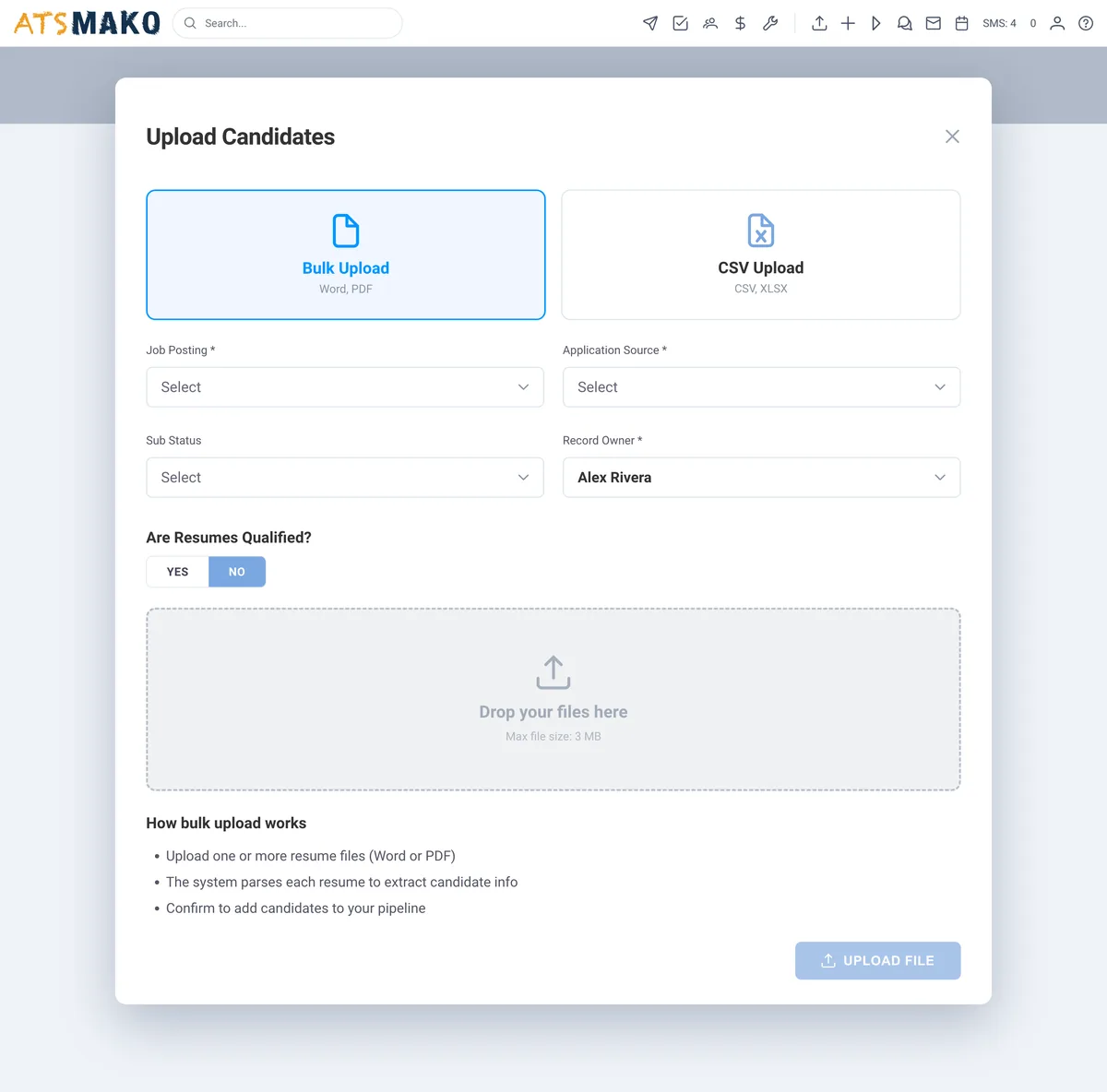
PDF and DOCX are not supported here - open the file, select all, and paste the text. Native PDF/DOCX and bulk parsing run inside the ATS Mako platform.
Parsed fields
Results will appear here. Nothing leaves your browser.
Privacy: parsing happens on your device using plain JavaScript. No resume text is sent to our servers, saved to storage, or included in any analytics event. Open your Network tab and check.
How parsing actually works
A parser turns an unstructured document into fields a database can hold. It is pattern recognition, not comprehension.
First the text is extracted from whatever container it arrived in. Then the parser looks for anchors: an email pattern, a phone pattern, conventional section headings like "Experience" or "Education", and date ranges that mark employment periods. Around those anchors it infers structure - the line above a date range is probably a job title or an employer, the block after "Skills" is probably a list.
This is why formatting matters so much more than wording. A parser is not reading your career; it is looking for landmarks. Remove the landmarks - by putting your phone number in a header, your skills in a graphic, or your job titles in a table cell - and even a strong resume returns mostly blanks.
A "parse rate" is simply the share of expected fields a system recovers across a batch of resumes. It is never 100%, at any vendor. The useful question is not whether parsing is perfect but whether what it recovers is enough to search, rank and shortlist against.
Six reasons a resume fails to parse
Useful whether you are writing a resume or wondering why your ATS keeps producing empty candidate records.
Multi-column layouts
Two-column CVs read beautifully to a human and scramble to a parser. Text extraction usually walks the page in reading order, so a sidebar of skills gets interleaved with the middle of a job description.
Tables used for layout
Dates in one table cell and employers in another frequently extract as two disconnected lists, which is how a parser ends up pairing the wrong dates with the wrong job.
Headers, footers and text boxes
Contact details placed in a document header often sit outside the main text flow. This is the single most common reason a phone number goes missing from an otherwise clean parse.
Graphics and skill bars
A skills chart with five filled circles carries no text at all. If it is not characters, it does not survive extraction - to any parser, not just this one.
Unusual date formats
Ranges like "03.2019 - 05.2021" or seasonal entries like "Spring 2020" are far less reliably read than "March 2019 - May 2021". Spell the month out.
Non-standard section headings
Parsers anchor on conventional headings. "Where I have worked" is friendlier than "Experience" and considerably harder for software to locate.
Fields are the start, not the answer
Parsing gets you structured data. It does not tell you who to call first.
Inside ATS Mako, parsing is the first step of a longer path: resumes arrive by bulk upload or by unique email address, get parsed into searchable profiles, then ranked against the criteria you set for that requisition - so a recruiter opens a shortlist rather than a pile.
What the platform adds
- Native PDF and DOCX parsing, not just plain text
- Bulk resume upload and resume ingest by unique email
- Searchable candidate profiles built from parsed fields
- AI ranking against per-requisition criteria
- API access for programmatic parsing
Parser questions, answered.
Is my resume uploaded anywhere?
No. Everything on this page runs in your own browser using plain JavaScript. The file you select is read locally with the browser FileReader API, the parsing happens on your device, and no resume text is ever transmitted to our servers, written to storage, or included in any analytics event. You can verify this yourself: open your browser developer tools, switch to the Network tab, and parse a resume - you will see no request carrying your data. If you would rather be certain, disconnect from the internet and the tool still works.
Why does it only accept pasted text and .txt files, not PDF or DOCX?
Because reading PDF and DOCX in the browser requires shipping a large third-party library to every visitor, and we would rather this page load fast and do one thing reliably than half-work on formats it cannot handle properly. If your resume is a PDF or Word file, open it, select all, and paste the text into the box - extraction quality is usually better that way anyway, because you are giving the parser exactly what you can see. Native PDF and DOCX parsing at volume, including bulk uploads, runs inside the full ATS Mako platform.
Why did it miss a field?
Usually formatting rather than content. Contact details inside a document header, multi-column layouts, tables used for positioning, and skills shown as graphics are the four most common causes - they are covered in detail in the section above. This tool deliberately shows a field as "not found" rather than guessing, because a confidently wrong phone number is worse than an honest blank.
How accurate is this compared with a real ATS?
This is a heuristic parser: it works on patterns and conventional section headings, and it is genuinely useful for checking whether a resume is machine-readable. A production ATS does considerably more - it handles PDF and DOCX natively, processes files in bulk, normalises employers and job titles, and feeds the structured result into ranking and search. Think of this page as a readability check, not a replacement.
Can I use this to check whether my resume is ATS-friendly?
Yes, and that is probably its best use. Paste your resume, and whatever this parser cannot find is likely to give other automated systems trouble too. If your name, email, phone and most recent employer all come back cleanly, your resume is in reasonable shape. If several fields are missing, the fixes are almost always structural: single column, real text instead of graphics, conventional headings, and contact details in the body rather than the header.
Do you offer a resume parsing API?
Yes - resume parsing is part of the ATS Mako platform, with bulk upload, resume ingest by unique email address, and an API for programmatic access. Our API documentation covers the endpoints and webhook events.
Parse at volume, then rank.
30-day free trial. Bulk-upload real resumes, watch them become searchable profiles, and open a ranked shortlist.
30-day free trial · No setup fees · No long-term contracts